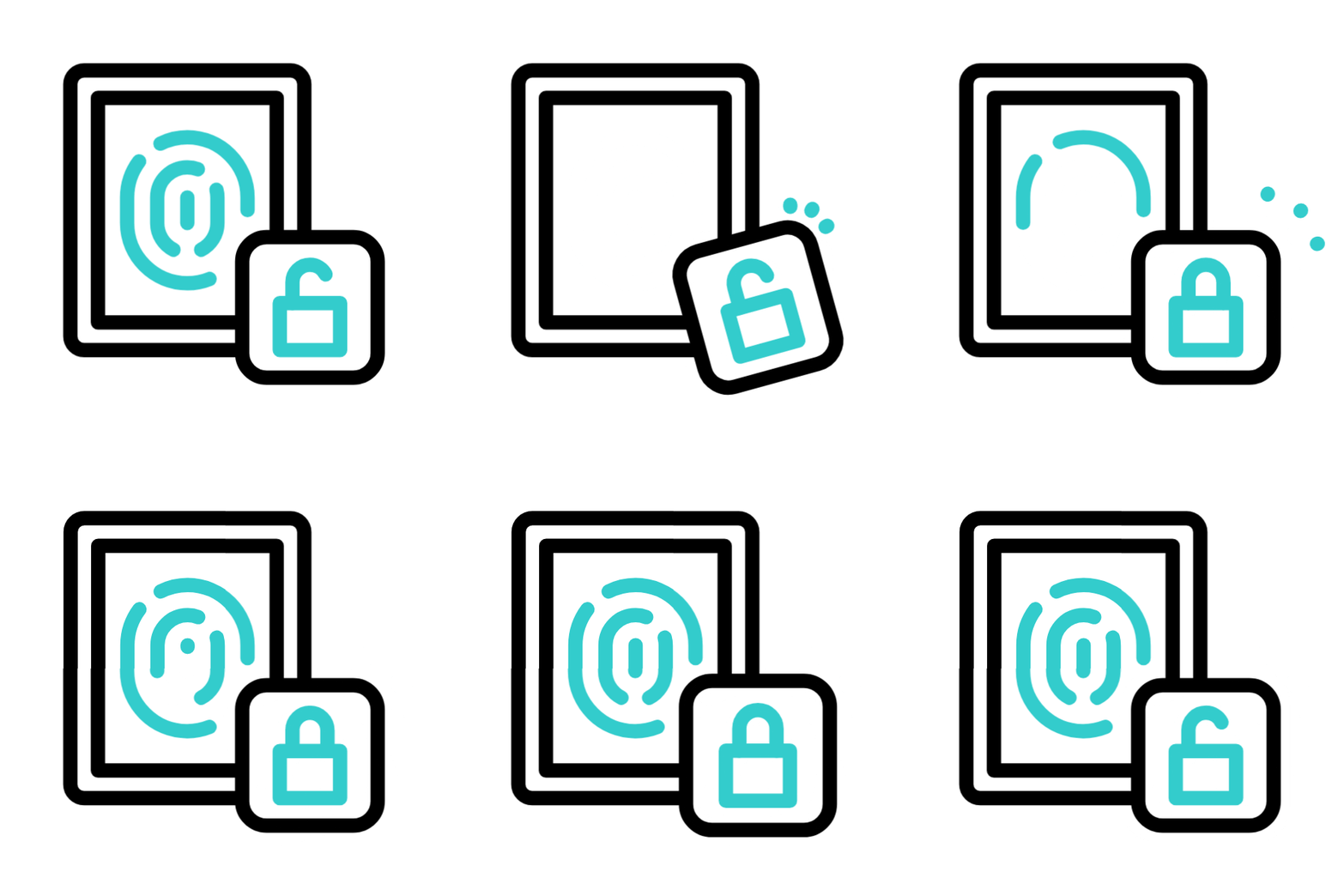
MFA helps prevent unauthorized access by requiring users to verify their identity through multiple authentication methods, protecting your SSH gateway from compromised credentials and brute-force attacks.
Why is MFA Important in Cybersecurity?
Multi-factor authentication has become a critical component of modern security strategies.
Prevents Unauthorized Access
Add an extra layer of security beyond passwords to protect sensitive data.
Protects Against Credential-Based Attacks
Even if passwords are compromised, attackers still can’t access your systems.
Supports Compliance Requirements
Meet regulatory standards like HIPAA, PCI-DSS, ISO 27001, and GDPR.
Secures Remote and Outsourced Access
Ensure secure access for remote employees and third-party contractors.
Reduces Insider Threat Risk
Prevent unauthorized actions even from those with legitimate access.
Improves Overall Trust and Accountability
Create clear audit trails and enhance security posture.
Benefits of MFA
Implementing Multi-Factor Authentication with Ezeelogin provides numerous advantages for your organization:
Stronger Server Access Security
Protects Against Credential-Based Attacks
Enhanced Accountability and Visibility
User-Specific Customization
Supports Popular Authenticator Apps
Gateway-Level Enforcement
Meets Compliance Requirements
Backup Codes for Emergency Access
Quick Setup, Immediate Impact
Multi-Factor Authentication Methods Available in Ezeelogin
Choose from multiple authentication methods to suit your security needs
Google Authenticator
Time-based one-time passwords for secure login
FIDO2
Passwordless authentication using security keys
RADIUS
Integration with existing RADIUS servers
Duo
Push notifications for easy verification
Access Keyword
Secondary password for additional security
Yubikey
Hardware authentication device support
Normal Server Access vs Server Access with MFA
See how MFA enhances your server security compared to traditional methods
Feature / Security Factor
Normal Server Access
Server Access with MFA (Ezeelogin)
Authentication Method
Single factor (password or SSH key)
Two factors (password/SSH key + OTP or device token)
Resistance to Credential Theft
Low – if password is compromised, access is granted
High – stolen credentials are not enough without MFA
Protection Against Phishing
Vulnerable
Strong – second factor prevents unauthorized access
Compliance Readiness
May not meet security standards
Supports HIPAA, PCI-DSS, ISO 27001, GDPR, etc.
Remote Staff Access Security
Risky – password sharing is common
Secure – unique login with enforced MFA per user
Audit Trails & Logging
Limited or none
Full access logs and session activity tracking
Setup Complexity
Simple but insecure
Slightly more setup, but highly secure
User Accountability
Hard to track who accessed what
Individual MFA-based identity verification
Session Hijack Risk
Higher
Greatly reduced with second layer of security
Overall Security Level
Basic
Strong and enterprise-grade
Ready to Strengthen Your Server Security?
With just a few clicks, you can enable Multi-Factor Authentication in Ezeelogin and immediately reduce your attack surface. Secure your SSH access and comply with security regulations—all from a centralized platform.